

Written by: Senior QA Engineer
Mykhailo RalduhinPosted: 11.12.2025
12 min read
Functional testing is the biggest time sink in most QA pipelines. Full-suite regression takes hours. UI flakiness eats away trust. And test maintenance? Never-ending.
But what if you didn’t need to test everything, every time?
What if tests could write themselves? Heal themselves?
And what if failure didn’t mean triage chaos, just a neatly clustered root cause?
This isn’t magic. It’s modern AI applied to real QA workflows. And it’s not just for tech giants, even small teams are seeing 30–70% efficiency gains when AI is used not to replace humans, but to remove the parts of software testing that slow them down.
In this article, we’re breaking down 5 real ways AI is changing the game for functional testing in SaaS. Backed by data. Built for velocity. Ready to use.
Functional testing that ensures your vision becomes reality
1. Smarter test prioritization
Functional test suites can contain thousands of cases. Many of them overlap. Many rarely fail. And most are completely unrelated to the code that just changed. Still, they run, consuming time, compute, and attention.
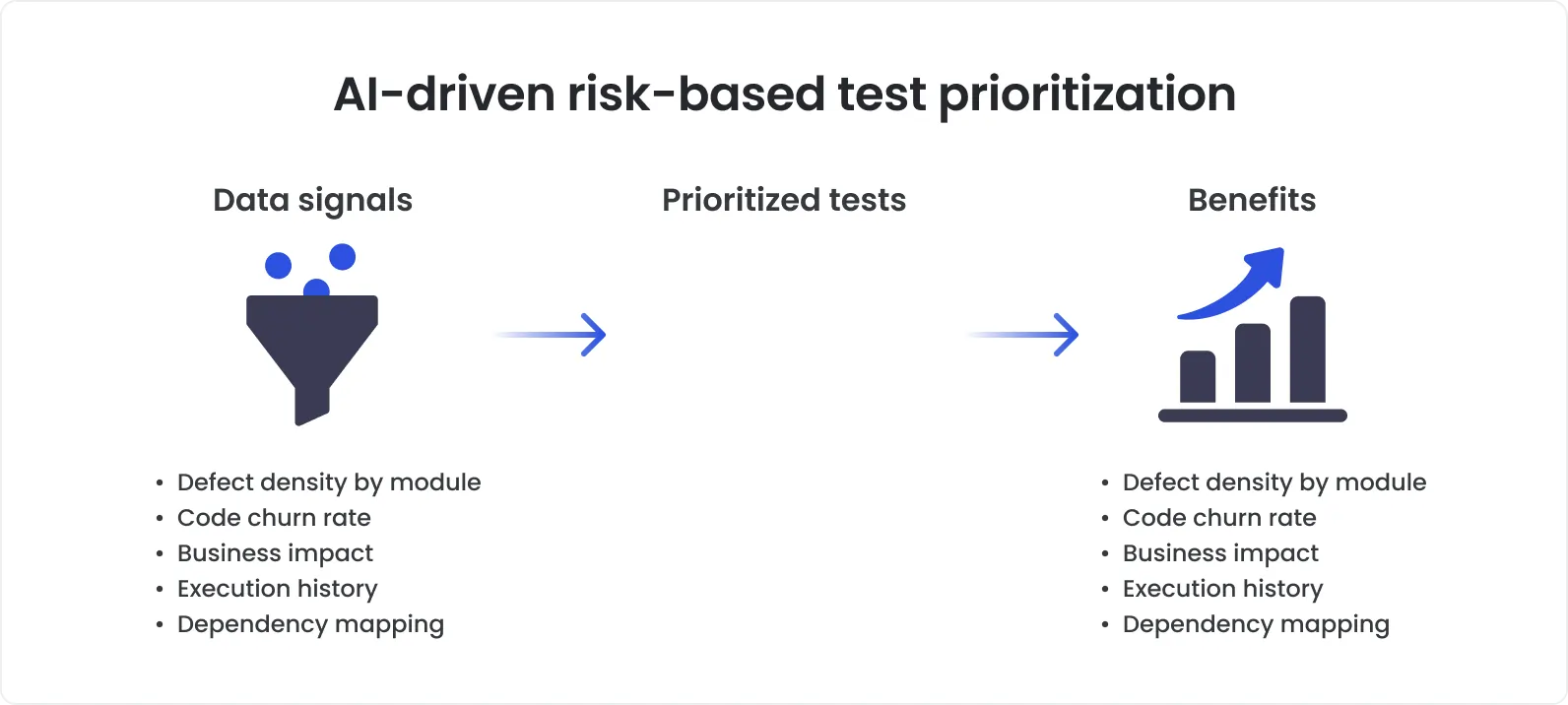
How it works
Functional testing with AI changes this by bringing intelligence to test selection. Instead of brute-forcing everything, AI models analyze:
recent code diffs,
the test history of each component,
past failure patterns,
runtime duration,
and even test flakiness.
From this, they build a ranked list of tests most likely to catch a regression and deprioritize the ones that have nothing to do with the change.
At Meta (Facebook), engineers faced a similar scaling problem. With thousands of developers pushing code daily, running the full test suite for every change was neither cost-effective nor fast enough for continuous delivery.
So they developed and open-sourced a machine learning–based method for predictive test selection. The system learned which tests were likely to fail based on previous test outcomes and specific code changes. Once trained, it was able to select a small subset of tests to run per commit, without significantly increasing the risk of missed bugs.
In their published study, the results were clear:
By selecting only 30–40% of the total test suite, the system still caught 95–99% of defects.
CI cycle times were reduced drastically, freeing up resources and accelerating feedback.
Engineers spent less time waiting on pipelines and more time shipping value.
It was a real-world demonstration of how automated functional testing, when powered by AI, can scale efficiently without compromising quality.
The impact
Unit tests are fast. Integration tests are manageable. But functional test automation, especially end-to-end testing flows, is heavy. It spins up environments, loads dependencies, and walks through multiple UI states.
That’s why even a small reduction in executed test volume (say, 20–30%) can reclaim hours per build cycle. Prioritization helps you:
Catch regressions where they’re most likely to appear.
Avoid running stable, low-risk tests repeatedly.
Keep pipelines lean and feedback fast, without cutting corners on quality.
In other words, smarter selection doesn’t mean you test less, it means you stop wasting time on tests that don’t matter for this change.
2. Self-healing test scripts
Ask any QA engineer what they spend the most time on, and you'll hear one word: maintenance.
Even minor UI changes: a renamed field, a restructured layout, a new class name, can cause entire test suites to collapse. Not because the functionality broke, but because the automation script couldn’t find the right element.
It’s a fragile setup. And it doesn’t scale. Self-healing test scripts use AI to fix this.
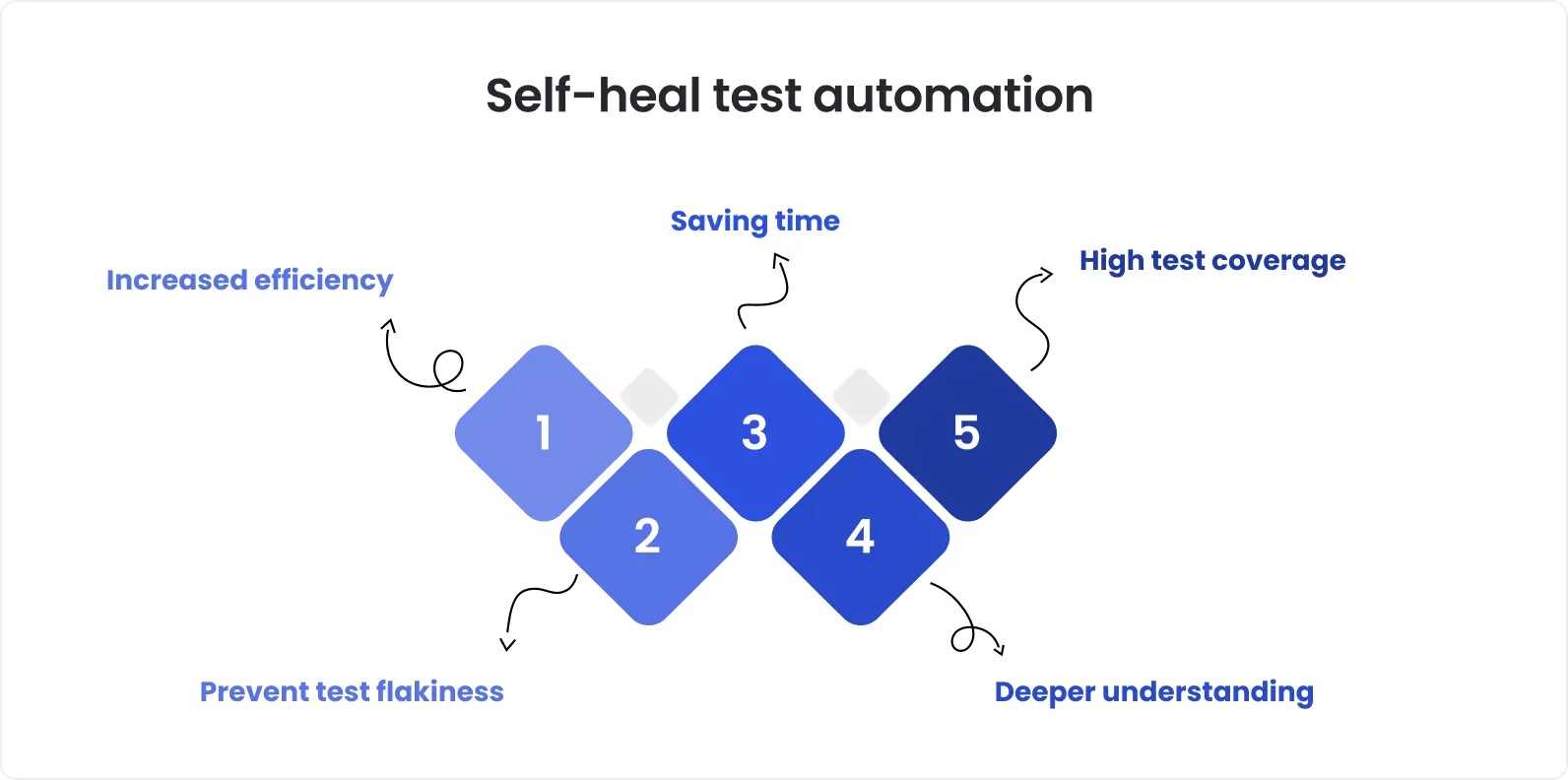
How it works
Traditional test automation relies on static selectors, things like id, class, or specific XPaths, to locate elements. These work well until the UI changes, and suddenly, your tests are blind.
Self-healing automation uses machine learning to dynamically locate UI elements based on:
Visual traits (e.g., shape, size, color, proximity),
Contextual placement (e.g., “next to the label ‘First Name’”),
Semantic understanding (e.g., recognizing buttons labeled “Submit,” even if the markup changes),
Historical patterns (tracking how similar elements have changed over time).
When a test runs and the original selector fails, the engine compares the intended target with current candidates on the page, then auto-corrects the locator in real time or flags a potential match for validation.
Most modern frameworks support self-healing out of the box, via AI automation testing plugins for Selenium, dynamic selectors in Playwright or TestCafe, or GenAI-powered routines that rewrite locators based on visual or DOM changes. Instead of crashing, tests adapt.
Industry benchmarks and vendor data report transformational effects:
Visual-AI powered systems have achieved 72% fewer visual verification failures and 60% less maintenance effort for UI-heavy applications.
In one self-healing initiative, teams cut locator-based breakages by over 90% during UI redesigns, with minimal rewrite overhead.
Some tools now claim up to 95% reduction in test maintenance load after introducing GenAI self-healing routines.
Flaky tests cluster: in large Java projects, around 75% of flaky tests share systemic root causes, meaning fixing parts of the pipeline via healing can suppress entire failure clusters.
The impact
Functional test automation is resource-heavy; it simulates real user journeys across UI layers, backend APIs, and integrations. Even small UI tweaks can flip dozens of end‑to‑end test cases into failure modes.
AI-enabled self-healing transforms this dynamic:
Minor layout changes no longer break entire flows.
Test execution becomes more stable and trust-worthy.
CI pipelines rarely bump due to cosmetic updates.
Teams spend more time improving coverage instead of patching scripts.
In projects, where UI evolves sprint by sprint, automated healing is not nice‑to‑have, it’s a core requirement for reliable automation.
16 years of QA excellence + AI speed and precision = quality you can trust
3. Autonomous test generation
Test coverage is a moving target. Every new feature, UI flow, or edge case expands the surface area that QA is expected to cover. But writing (and maintaining) all those tests by hand? It doesn’t scale, especially in agile SaaS teams shipping weekly.
That’s where AI steps in. Not to replace testers, but to automate the grunt work of writing functional tests from patterns it can observe. For teams wondering how to implement AI in testing, autonomous test generation is often the lowest-friction starting point, high reward, minimal disruption.
How it works
Modern AI models are now capable of generating functional test cases based on:
application usage data (like session recordings or telemetry),
user journey analytics,
code and UI structure (through static or runtime analysis),
and natural language specifications or acceptance criteria.
Instead of a tester scripting a login flow step by step, the AI can:
Observe real user sessions or explore the app autonomously via crawler-like behavior.
Identify common (and uncommon) paths, user actions, and branching logic.
Generate a set of end-to-end or API-level tests that cover the core behavior, including negative cases the human might overlook.
These capabilities are already built into modern QA tools: platforms like OwlityAI, Testim, Functionize, or Mabl use AI to turn user sessions, specs, or DOM snapshots into runnable test cases, with minimal human input.
According to multiple independent studies:
Autonomous test generation can cut test creation time by 50–70%, especially in UI-heavy or legacy systems.
One enterprise QA team documented a 30% increase in functional coverage after deploying AI-based generation tools alongside manual efforts.
Generative models trained on system logs have been shown to produce valid test flows that catch defects even before they’re documented manually.
The impact
In functional testing, the challenge isn’t just how to test, it’s what to test. Especially when product complexity scales faster than QA bandwidth.
Autonomous test generation shifts the paradigm:
Instead of only scripting what you expect, AI helps you test what’s actually happening.
It uncovers paths real users take, not just the happy paths in your test plan.
And it fills in the gaps in automation suites without weeks of human effort.
So it means higher coverage, earlier defect detection, and more time focused on high-risk or exploratory work.
4. Root cause analysis and defect clustering
Bugs are inevitable. But not all test failures are created equal. One broken component can trigger dozens of downstream failures across test suites. And before you know it, engineers are spending more time triaging logs than writing code.
AI helps flip that balance by surfacing not just what failed, but why.
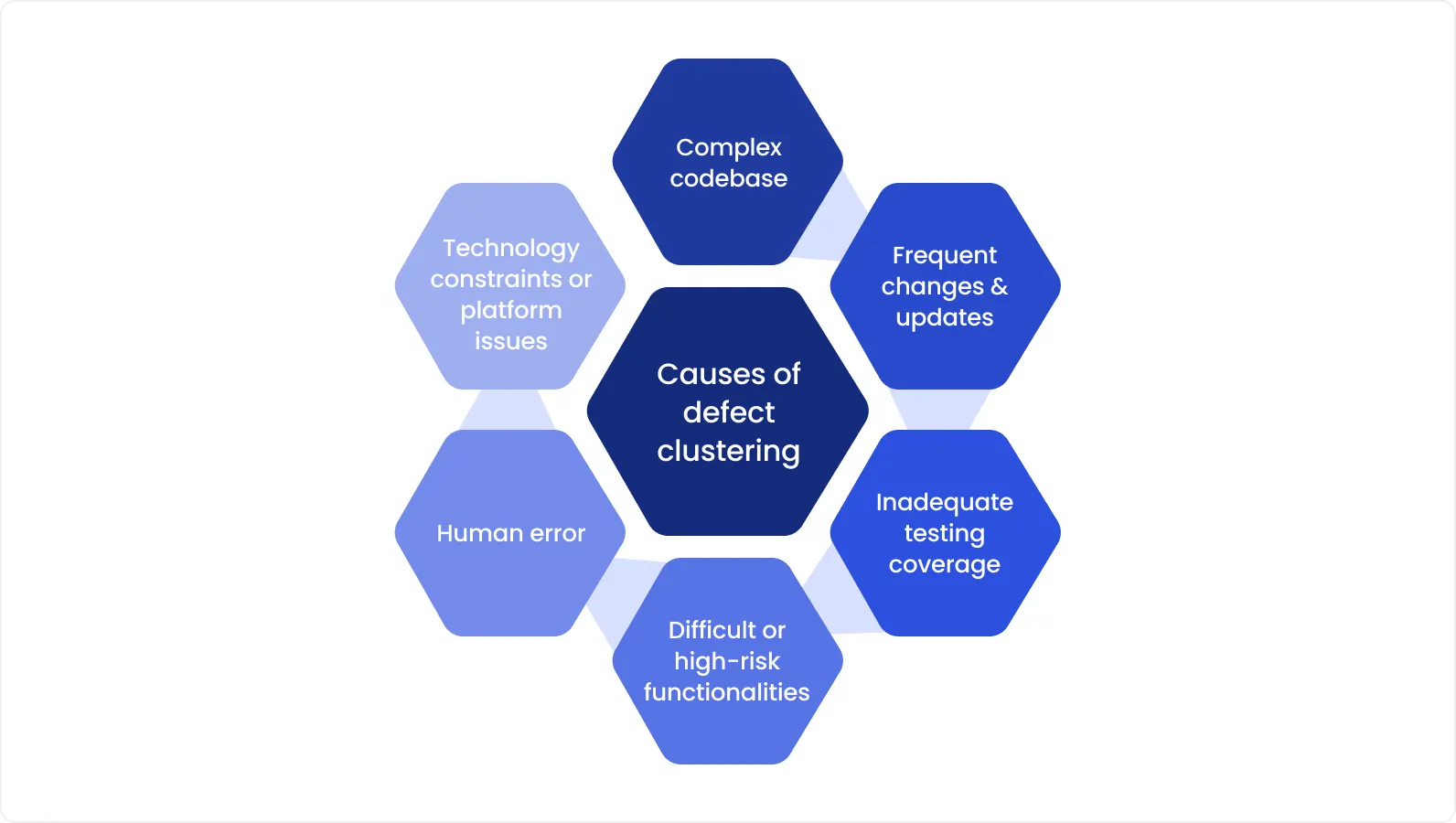
How it works
Traditional test reporting stops at red/green. Something failed, now it’s up to humans to dig through logs, backtrace stack dumps, and try to connect the dots.
AI-based systems go further by analyzing:
Stack traces and log similarity,
Error messages and diff history,
Component-level dependencies,
Frequency and co-failure patterns.
From this, they cluster related failures, automatically identify likely root causes, and even recommend ownership (e.g. “most similar to defects fixed by team A”).
Instead of reviewing 30 failed tests one by one, engineers see 1 root failure and 29 duplicates, instantly shrinking triage time.
A recent study on functional test automation log analysis using machine learning showed that:
More than 90% of build failures could be attributed to 5–7 recurring patterns, once clustered correctly.
AI-based triage reduced mean time-to-diagnosis by over 60%, compared to traditional log parsing.
Another experiment applied deep learning to large-scale failure logs in CI/CD pipelines. The model accurately grouped failure cases by cause with up to 97% precision, helping prioritize actionable fixes.
In other words: once you stop chasing every failure, you start fixing faster.
The impact
Functional tests cover full flows: login → checkout → confirmation. When a backend dependency fails or an API times out, multiple steps, and therefore multiple tests, crash together.
Without clustering, this floods dashboards with noise. With clustering:
Duplicate failure reports are grouped.
Triage becomes structured.
Engineers aren’t overloaded with false signals.
Some platforms also correlate defects with commit history, ownership graphs, or even past remediation behavior, giving managers early warning on recurring regressions.
Test failures don’t have to mean chaos. When grouped by cause, patterns emerge. And with AI, those patterns show up immediately, not after hours of manual digging. Root cause clustering doesn’t just improve defect resolution. It also unlocks higher-quality reporting, better prioritization, and tighter feedback loops with engineering.
5. Optimized test execution
Speed matters in functional testing, but so does strategy. Running all tests, every time, on every commit? That’s not just inefficient, it’s unsustainable in modern CI/CD. The result is longer pipelines, higher cloud costs, and slower feedback for devs.
AI-driven execution orchestration solves this by making test runs smarter, not just faster.
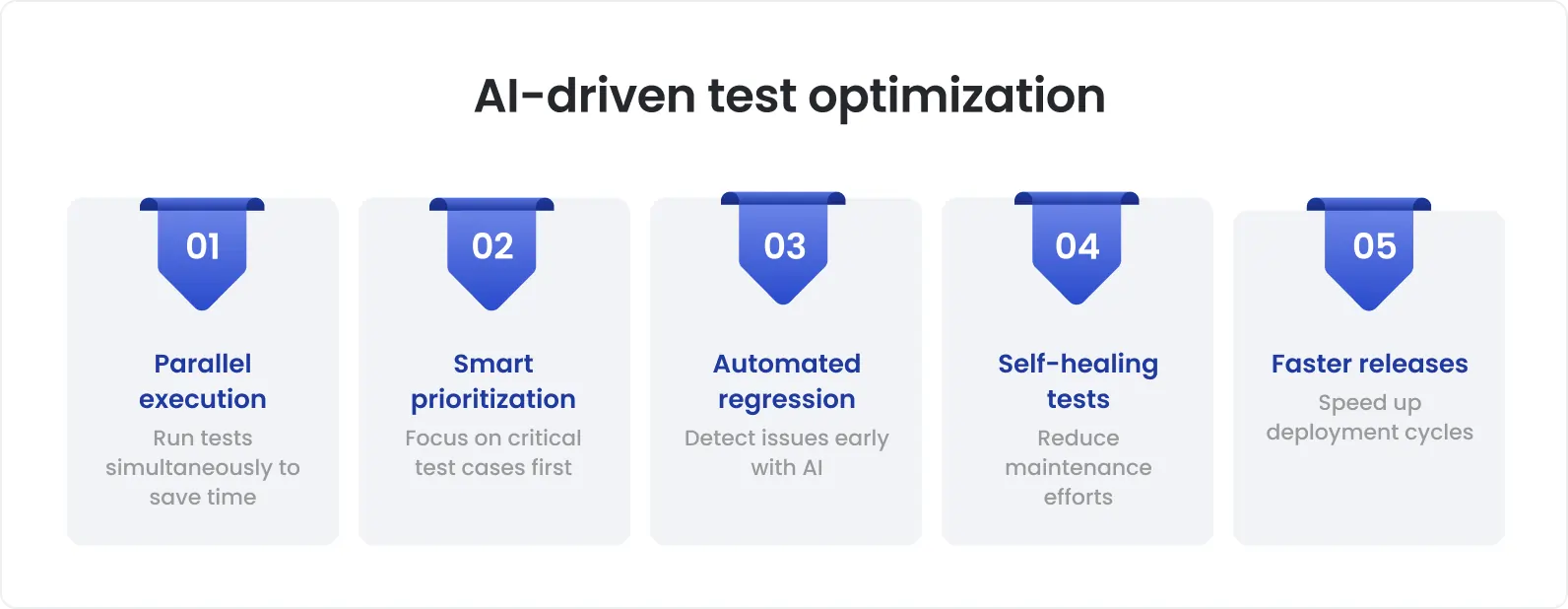
How it works
Instead of triggering the full suite blindly, AI systems evaluate:
Test historical data (fail/pass patterns),
Code change impact (what areas were touched),
Resource availability (CPU, device, browser grid),
Test flakiness probability and criticality.
From this, the system dynamically:
Selects only the tests likely to fail based on recent commits,
Parallelizes execution intelligently across available nodes,
De-prioritizes known-flaky tests during critical merges,
Re-orders tests to surface failures earlier in the run.
Experiment on test scheduling using AI-based decision trees:
Execution time was reduced by 35–50% without losing coverage.
Teams observed up to 60% faster developer feedback on failing builds.
Google’s AI-powered smart test selection cut test execution time by 50%, lowered costs, and sped up developer feedback by predicting impacted tests from code changes. Microsoft saw 35% efficiency gains using a similar AI-driven approach. These techniques dynamically prioritize and parallelize tests, reducing resource use and accelerating feedback cycles.
The impact
Functional tests tend to be the slowest and most expensive to run, especially E2E scenarios across multiple browsers, devices, or APIs. Yet most regressions happen in only 5–15% of the codebase.
This is exactly where teams exploring how to implement AI in testing start to see real gains. Smarter execution orchestration means:
Faster CI pipelines without sacrificing reliability,
Better prioritization of what actually matters,
A reduction in “wait time” across engineering teams,
Lower compute bills, especially in cloud test farms.
And when every commit triggers just the right amount of validation, not too much, not too little, developers get results sooner, and testers can iterate faster.
Final thoughts
To sum up, what AI changes:
Prioritizes tests based on real change risk
Keeps flaky scripts alive with self-healing locators
Generates coverage from real usage and specs
Clusters failures to surface actual root causes
Optimizes execution for faster feedback and lower cost
What this means for QA teams:
You don’t need to rewrite your entire process, AI can be introduced incrementally.
You don’t need to chase tools, you need a strategy that aligns AI capabilities with real bottlenecks.
And you don’t need to fear complexity, these are not theoretical concepts anymore. They’re working in real CI/CD pipelines today.
Ready to bring AI into your testing workflow? DeviQA helps teams embed AI where it actually moves the needle, from fast regression testing wins to full-scale automation strategies, designed to your stack and release pace.
Team up with an award-winning software QA and testing company
Trusted by 300+ clients worldwide
About the author
Senior QA engineer
Mykhailo Ralduhin is a Senior QA Engineer at DeviQA, specializing in building stable, well-structured testing processes for complex software products.